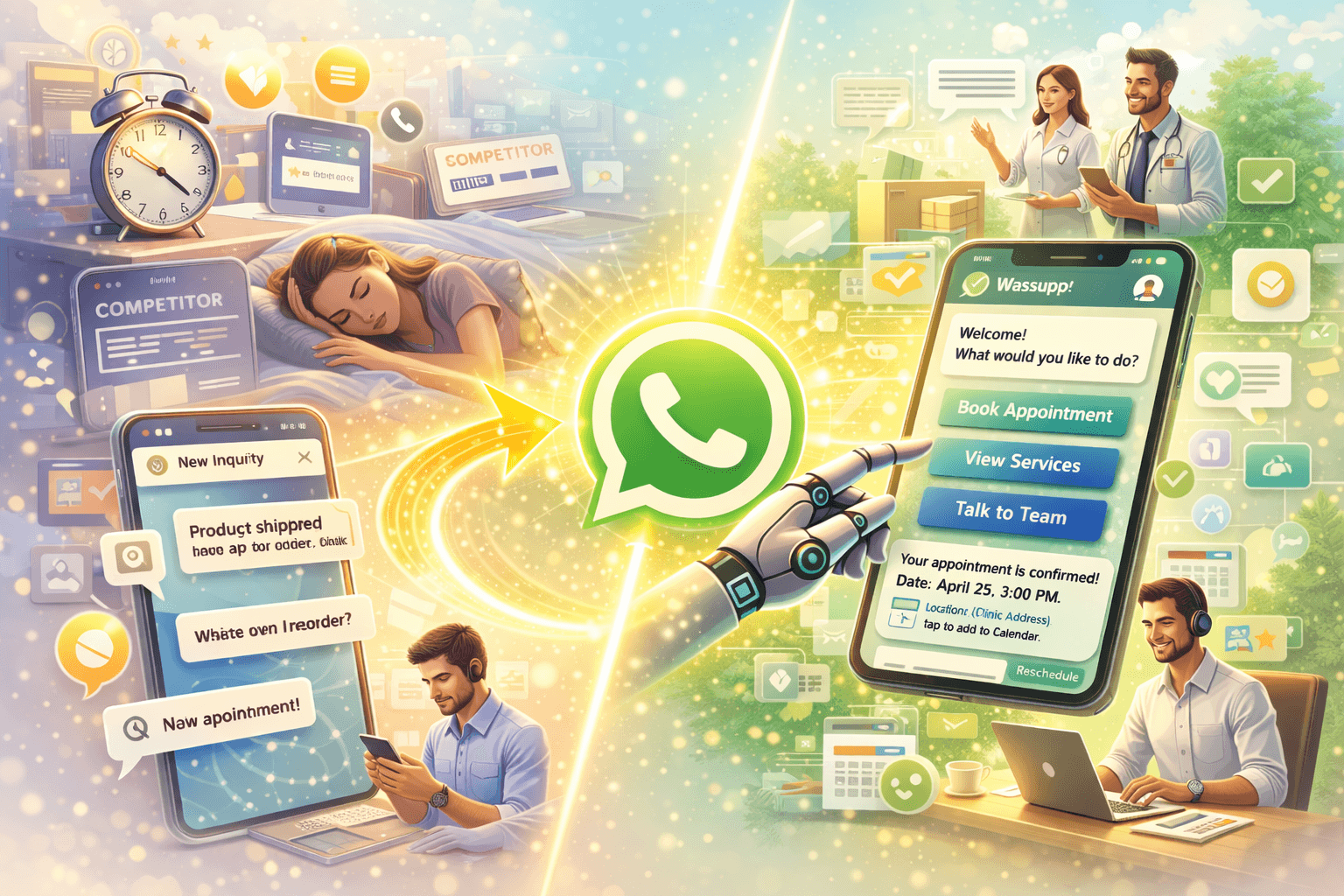
Picture this. It is 11 PM. Someone just decided they want to book a consultation with you. They go to your website, find no live chat, send an email into the void, and go to sleep. By morning, they have either forgotten or booked with your competitor who had a WhatsApp number on their Instagram bio.
This scenario plays out hundreds of times a day for service businesses across India. Clinics. Salons. Coaching institutes. Lawyers. Architects. Financial advisors. Every single one of them losing bookings not because their service is bad but because their booking process is stuck in 2015.
WhatsApp appointment automation fixes this. Completely. A customer messages you at 11 PM, gets an instant reply, picks a slot, receives a confirmation, and shows up at the right time. You wake up to a fully booked calendar without having spoken to anyone.
Let us walk through exactly how this works and how you can set it up for your business.
Why Appointment Booking Needs to Move to WhatsApp
If you have ever tried to book an appointment by calling a clinic during working hours, navigating a phone queue, getting put on hold, and then being told "the next available slot is three weeks from now," you understand the frustration.
Customers do not want to call anymore. They want to book on their own terms, at their own time, through a channel that feels natural to them. In India, that channel is WhatsApp.
The numbers back this up. WhatsApp has over 500 million active users in India. For most people, it is the first app they open in the morning. When a business offers WhatsApp booking, the friction to book drops dramatically. And lower friction means more bookings.
But there is more to it than just convenience. When you automate the booking process on WhatsApp, you also eliminate the most time-consuming parts of running a service business, which is the back and forth of scheduling. The "what times do you have available," the "actually can we change it to Thursday," the "just confirming tomorrow at 3 PM." All of that disappears into an automated flow that handles itself.
Conversation automation is what makes this possible at scale. Not a basic chatbot. A smart, flexible flow that guides the customer through the booking process the same way a well-trained receptionist would, just faster and available at any hour.
What WhatsApp Appointment Automation Actually Does
Let us break down the full automation flow so you can see exactly what happens at each step.
Step 1: Customer Initiates Contact
Someone sends a message to your WhatsApp business number. This could come from a click-to-WhatsApp ad, a link in your Instagram bio, a QR code on your physical signage, or just from a referral who shared your number.
The moment the message arrives, the automation kicks in. No delay. No waiting for your team to notice the message.
Step 2: Automated Welcome and Intent Detection
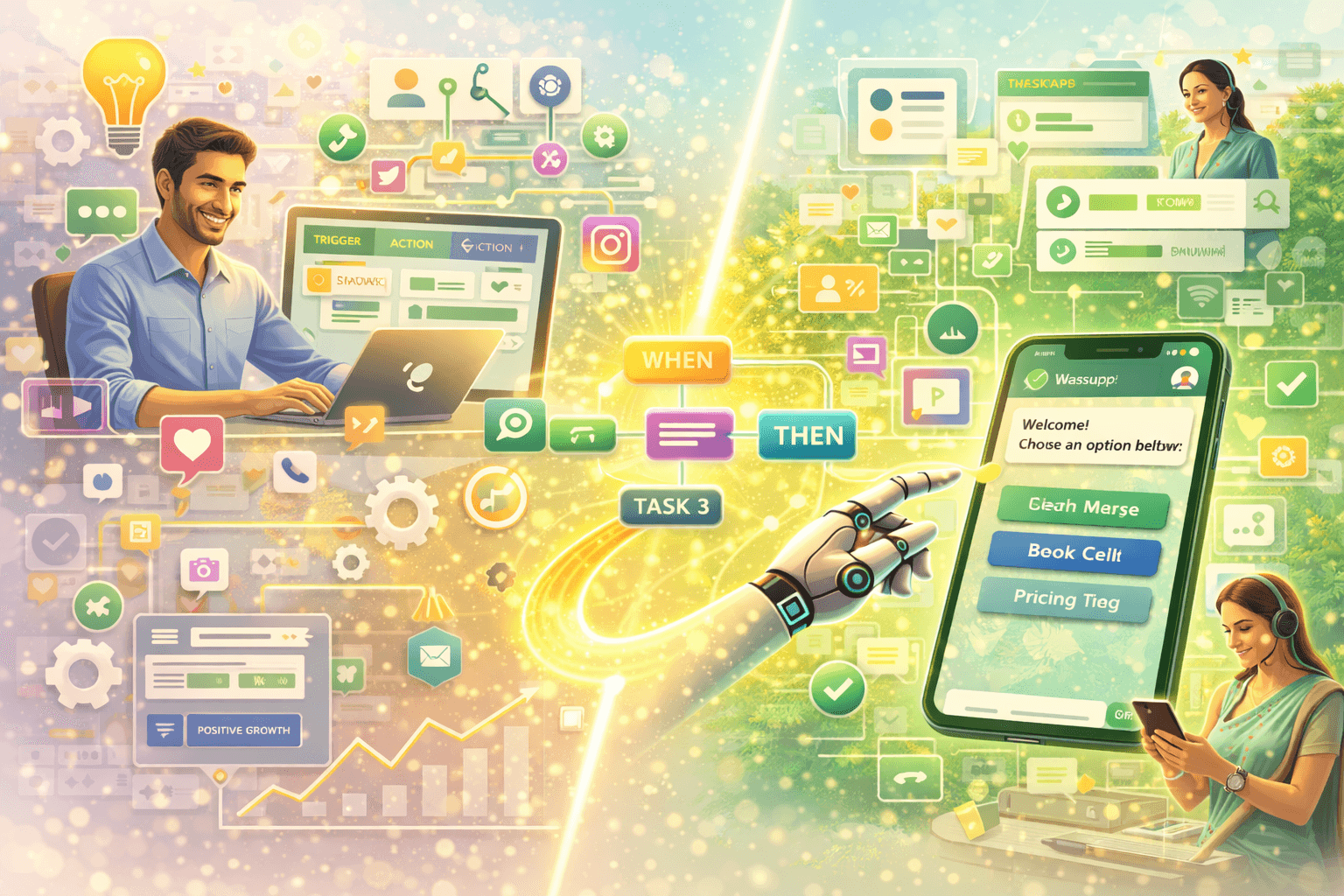
The automation sends a warm greeting and asks what the customer is looking for. This can be done through a simple menu of options.
"Hi there! Welcome to [Business Name]. How can we help you today? Reply 1 to Book an Appointment Reply 2 to Know About Our Services Reply 3 to Talk to Our Team"
Simple. Clean. No confusion.
Step 3: Service Selection
If the customer chooses to book, the flow presents the available services. A dermatology clinic might show Consultation, Follow-up, and Procedure as options. A fitness trainer might show Personal Training Session, Diet Consultation, and Group Class. The customer picks what they need.
Step 4: Date and Time Selection
The automation presents available slots based on your actual calendar. The customer picks a date and time from the options shown. No back and forth. No checking availability manually.
This is where integration with a calendar or booking system matters. Wasupp connects with your scheduling setup so the slots shown are always accurate and real-time.
Step 5: Confirmation and Details Collection
Once a slot is selected, the automation confirms the booking, collects any additional details needed such as the customer's name, reason for visit, or any pre-appointment requirements, and sends a confirmation message with all the details.
The customer gets: date, time, location or link for online appointments, any prep instructions, and a reminder that they will get a follow-up before the appointment.
Step 6: Automated Reminders
This is where appointment automation saves businesses the most no-shows. The system sends automated WhatsApp reminders at set intervals. A reminder 24 hours before. Another one two hours before. Both sent automatically without anyone on your team having to remember.
No-show rates for service businesses drop significantly when WhatsApp reminders are in place. Customers who booked a week ago and forgot get a nudge at just the right time.
Step 7: Post-Appointment Follow-Up
After the appointment, an automated message checks in. How did it go? Here is what to expect next. Please share your feedback. Would you like to book your next session?
This closes the loop on the customer experience and plants the seed for the next booking.
Industries Where WhatsApp Booking Automation Is Making the Biggest Impact
Healthcare and Clinics
Doctors and clinics in India are drowning in phone calls for appointments. Receptionists spend hours every day managing the same back and forth. WhatsApp booking automation handles the entire scheduling process without human involvement, freeing staff to focus on in-clinic care rather than phone coordination.
Patients actually prefer it too. Booking a doctor's appointment on WhatsApp at any hour, without being put on hold, is a dramatically better experience.
Beauty and Wellness
Salons, spas, and wellness centers have appointment-heavy operations and high no-show rates. WhatsApp booking with automated reminders directly addresses both problems. Customers book faster and show up more reliably.
For salon owners who are often doing hands-on work and cannot answer phones, WhatsApp automation for small businesses is practically tailor-made. The phone stays in your pocket while appointments book themselves.
Coaching and Education
Coaching institutes, tutors, and online educators all deal with high volumes of booking inquiries, especially around exam seasons. An automated WhatsApp flow that handles demo class bookings, trial session scheduling, and follow-ups can replace what would otherwise need a full-time front desk team.
Legal and Financial Services
Consultants, lawyers, and financial advisors often lose potential clients simply because the first point of contact is too complicated. A WhatsApp booking flow that lets someone schedule an initial consultation in under two minutes removes that barrier completely.
Freelancers and Independent Professionals
If you are a photographer, a designer, a consultant, or any kind of independent professional, automating client communication on WhatsApp for bookings means you stop losing clients during the hours you are focused on actual work. The automation handles the scheduling. You show up prepared.
How to Set Up WhatsApp Appointment Automation: What You Need
Getting this running does not require a development team or months of setup. Here is what the process looks like:
WhatsApp Business API access. The automation works through the official API, not the regular WhatsApp Business app. You need to be onboarded through a licensed solution provider. Wasupp handles this for you.
A conversation flow. You need to map out the booking journey. What options do customers see first? What services can they book? What information do you need from them? This mapping takes an hour at most for most businesses.
Calendar or slot integration. The flow needs to know what slots are available. This can be as simple as a manually updated availability list or as dynamic as a live calendar integration.
Reminder schedule. Decide when reminders go out. Most businesses go with 24 hours before and two to three hours before the appointment.
Post-appointment follow-up message. Write one message that goes out after every appointment. Keep it warm and include a way to rebook or leave feedback.
Once these pieces are in place, the entire system runs on its own. A new booking comes in, the slot is logged, reminders fire automatically, follow-up sends after the session. You just show up and do the work.
Reducing No-Shows With WhatsApp Reminder Automation
No-shows are one of the most expensive problems service businesses face. A blocked slot that goes unused cannot be recovered. And most no-shows happen not because the customer changed their mind but because they simply forgot.
WhatsApp reminders fix this more effectively than any other channel because people actually read WhatsApp messages. Email reminders get buried. SMS reminders get ignored. A WhatsApp message from a business you booked with gets opened.
The combination of a 24-hour reminder and a two-hour reminder reduces no-show rates significantly for most businesses that implement it. Some see drops of 40 to 60 percent in their first month.
Add a simple confirmation request to your reminder. "Your appointment is tomorrow at 3 PM. Reply YES to confirm or NO if you need to reschedule." This gives you advance notice for cancellations so you can offer that slot to someone else. Smart service automation that actually protects your revenue.
Combining Appointment Automation With Broadcast Campaigns
Once you have a base of past customers in your WhatsApp system, WhatsApp broadcast campaigns become a powerful rebooking tool.
Send a broadcast to customers who have not booked in the last 60 days. Offer a seasonal special. Remind them about a service they might need. Invite them to a new offering you have launched.
For a clinic, this might be a seasonal wellness check-up reminder. For a salon, it might be a pre-festival offer. For a coach, it might be an early bird slot for the next batch. The broadcast goes out to your segmented list, and customers can reply directly to book.
Messaging is replacing landing pages for re-engagement too. A WhatsApp broadcast that links to a booking flow converts far better than an email campaign that sends people to a web form.
Making Your WhatsApp Booking Experience Feel Professional
A few things separate a great WhatsApp booking experience from a mediocre one:
Write your messages the way you would speak to a patient or client in person. Warm, clear, and professional without being stiff. The tone of your automated messages reflects your brand.
Keep the flow short. Every extra step is a dropout risk. If you can book someone in four messages instead of eight, do it in four.
Always confirm with a summary. The booking confirmation message should include everything the customer needs in one place. Date, time, address or link, contact number for questions, and what to bring or prepare.
Make rescheduling easy. Life happens. Give customers a simple way to reschedule without having to go through the whole flow again. A "reply CHANGE to reschedule" option in the reminder message is enough.
Get your business verified. A WhatsApp Blue Tick on your business number tells every new customer that they are dealing with a legitimate, verified business. This increases trust and booking completion rates, especially for first-time customers who found you through an ad or referral.
The CRM Connection: Every Booking Should Feed Your Database
Every appointment booked through WhatsApp is a customer record. A name. A number. A service history. A preference profile.
When your WhatsApp booking automation connects to a CRM, all of this is captured automatically. You build a database of customers without any manual data entry. And that database becomes the foundation for every future marketing campaign, broadcast, and re-engagement flow.
Messaging-first CRM for Indian businesses is built exactly for this. The CRM is not a separate system that someone updates manually. It updates itself from every WhatsApp conversation. Every booking, every cancellation, every post-appointment message becomes part of the customer record automatically.
Over time, you can see which services your customers book most, which time slots are most popular, which customers have lapsed, and which ones are your highest value repeat clients. All from the data that your WhatsApp booking automation is collecting in the background.
FAQs: WhatsApp Appointment Automation
Can WhatsApp booking automation work for online appointments too?
Yes. Instead of a physical address in the confirmation, the automation sends a Zoom, Google Meet, or any other video call link. The rest of the flow works exactly the same way.
What happens if a customer wants to book outside my available slots?
Your flow can include a waitlist option or redirect them to your team for custom scheduling. You can also offer them the next available slot automatically.
Can I handle reschedules and cancellations through WhatsApp too?
Yes. You can build a rescheduling flow that lets customers pick a new slot without starting the whole booking process again. Cancellations can trigger an automatic follow-up asking if they want to rebook.
Do I need to be on the WhatsApp Business API for this or can I use the regular app?
For any kind of automated flow, you need the WhatsApp Business API. The regular app does not support automation workflows. The API is what enables the booking flow, reminders, and CRM integration.
How do I handle multiple staff or service providers in the same booking flow?
Your flow can include a step where the customer selects their preferred staff member or the system routes them based on service type and availability. This works well for salons, clinics, and multi-trainer fitness studios.
Is it possible to accept payments through WhatsApp as part of the booking?
You can share a payment link within the WhatsApp conversation as part of the booking confirmation. The payment itself happens outside WhatsApp, but the flow guides the customer there seamlessly.
How long does it take to set up WhatsApp appointment automation?
With a platform like Wasupp, most businesses have a basic booking flow running within a few days. A more comprehensive setup with calendar integration, multiple services, and full CRM sync might take a week or two depending on complexity.
Can I use Instagram to drive bookings into a WhatsApp flow?
Absolutely. Instagram DM automation can capture interest from Instagram and transition the conversation to WhatsApp where the actual booking happens. This is especially effective when you are running Instagram ads for your service business.
The Bottom Line
A missed booking is not just a missed sale. It is a customer who tried to reach you and found it too hard. In 2026, "too hard" means anything more complicated than a WhatsApp message.
WhatsApp appointment automation removes every barrier between a customer's intent and an actual confirmed booking. The flow guides them through the process. The reminders keep them showing up. The follow-ups bring them back. And the CRM connection turns every booking into data that makes your next campaign smarter.
Service businesses that set this up stop leaking revenue through missed inquiries, no-shows, and manual scheduling chaos. The ones that have not yet feel it every single day.
Ready to get your appointment booking running on autopilot? Talk to the Wasupp team and we will build your WhatsApp booking flow from scratch