Your phone buzzes. WhatsApp notification. You check it. Customer asking about their order.
Phone buzzes again. Instagram DM. Someone asking about pricing.
Email notification. Lead from your website form.
Facebook Messenger. Another inquiry.
WhatsApp again. Different customer. Different question.
By noon, you've opened 5 different apps just to handle customer conversations. You've missed 3 messages because they got buried. And you have no idea if the person messaging on Instagram is the same one who emailed yesterday.
This is the chaos businesses deal with every single day. And it's costing you money, time, and sanity.
A unified inbox solves this. Let me show you exactly what it is and why it might be the most important tool your business needs right now.
What Is a Unified Inbox?
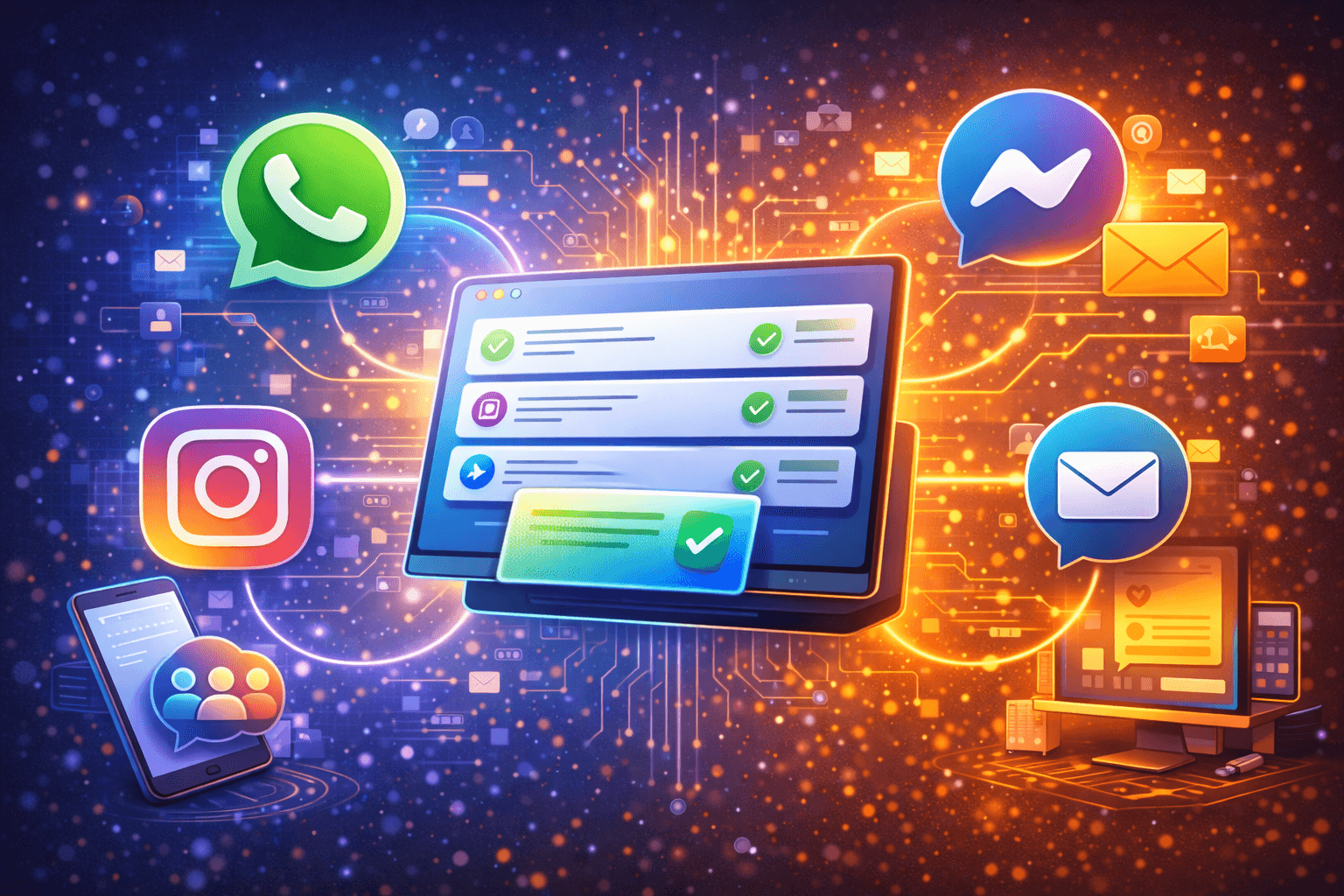
A unified inbox brings all your customer conversations from different platforms into one single dashboard.
Instead of jumping between WhatsApp, Instagram, Facebook, email, and your website chat, you see everything in one place. One screen. One app. All conversations.
Think of it like email, but for every communication channel your business uses.
What It Looks Like in Practice
Without unified inbox:
- Open WhatsApp app → respond to customer
- Open Instagram app → respond to DM
- Open Facebook page → check messages
- Open Gmail → check email leads
- Open website dashboard → check contact form
- Repeat 50 times per day
With unified inbox:
- Open one dashboard
- See all conversations from all platforms
- Respond to everything from one place
- Never miss a message because everything is visible
Same customer messages you on Instagram, then WhatsApp, then email? You see it's all the same person. Complete conversation history across all channels.
Why Businesses Are Desperate for Unified Inboxes
The problem didn't exist 5 years ago. Businesses mostly used email and phone. Two channels. Manageable.
Now? Customers reach you on WhatsApp, Instagram, Facebook, LinkedIn, email, SMS, website chat, and probably a few more channels you're forgetting about.
The Multi-Channel Reality
Your customers don't think in channels. They think in problems.
They see your Instagram post. They DM you. You don't respond fast enough. They WhatsApp you. Different conversation. You still don't know they're the same person.
They get frustrated repeating themselves. You look disorganized. Both of you waste time.
The Team Coordination Nightmare
You have a small team. Person A handles WhatsApp. Person B handles Instagram. Person C handles email.
Customer messages on WhatsApp. Person A responds. Customer switches to Instagram. Person B sees it as a new conversation. No context. Customer has to repeat everything.
Professional? No. But it's happening in businesses everywhere.
The Missed Message Problem
You're juggling 5 apps. A message comes into the channel you check least often. You miss it for 8 hours.
That customer already bought from your competitor who responded in 5 minutes.
You didn't lose because you're worse. You lost because your systems couldn't keep up.
How a Unified Inbox Actually Works
Let's break down the mechanics so you understand what's happening behind the scenes.
Channel Aggregation
The unified inbox connects to all your communication platforms through official APIs:
- WhatsApp Business API
- Instagram Business API
- Facebook Messenger API
- Email servers
- Website chat widget
- SMS gateway (if you use it)
Messages from all these sources flow into one central system.
Smart Organization
Not just dumping everything into one messy inbox. Good unified inboxes organize conversations:
By customer: All messages from the same person appear as one conversation thread, regardless of which platform they used.
By status: New, open, pending, closed. You can see what needs immediate attention vs what's waiting.
By assignment: Which team member is handling which conversation. No duplicate responses.
By priority: Urgent messages flagged. VIP customers highlighted.
Context Preservation
When you open a conversation, you see:
- Full message history across all platforms
- Customer details (name, email, phone, past purchases)
- Previous interactions
- Tags and notes from team members
- Which platform they're currently messaging from
You're never starting blind.
Unified Response
You reply from the unified inbox. Your message goes out through whichever platform the customer used.
They messaged on Instagram? Your reply appears in Instagram DM. They switched to WhatsApp? Your next reply goes there.
One interface. All channels.
The Real Benefits of Using a Unified Inbox
Let's talk about what this actually means for your business operations and bottom line.
Benefit 1: Massively Faster Response Times
Before unified inbox: Check WhatsApp. Respond. Check Instagram. Respond. Check Facebook. Respond. Takes 5 minutes per customer because you're switching apps.
With unified inbox: See all new messages in one screen. Respond to all without switching. Takes 30 seconds per customer.
10x faster. Same quality.
Studies consistently show that responding within 5 minutes makes you 100 times more likely to convert a lead. Unified inbox makes fast response possible at scale.
Benefit 2: Zero Missed Messages
Every message from every platform appears in your unified inbox. There's no "I didn't see it because I don't check that channel often."
Notifications are consolidated. When your inbox has a new message from any channel, you see one notification, not five different app notifications.
Nothing falls through cracks.
Benefit 3: Complete Customer Context
Customer messages you on Instagram today about Product A. Last week they messaged on WhatsApp about Product B. You see both conversations in their complete profile.
You're not treating them as two different people. You see the pattern. Maybe they're building a larger order. Maybe they're comparison shopping.
Context leads to better service and better sales.
Benefit 4: Seamless Team Collaboration
Multiple team members can access the same unified inbox. You can:
- Assign conversations to specific people
- See who's handling what
- Leave internal notes for team members
- Hand off conversations smoothly
- Avoid duplicate responses
No more "wait, did you reply to this?" conversations.
Benefit 5: Powerful Analytics
When all your conversations are in one system, you get unified analytics:
- Response time across all channels
- Conversation volume by channel
- Team performance metrics
- Customer satisfaction scores
- Conversion rates per channel
Make decisions based on data, not guesses.
Benefit 6: Easier Automation Integration
Conversation automation works better with unified inbox.
Set up automation rules that work across all channels:
- Auto-respond to common questions (any platform)
- Route conversations to right team member (any platform)
- Trigger follow-ups based on behavior (any platform)
One automation system. All channels covered.
Real Example: E-Commerce Store Cuts Response Time by 75%
Let me show you how this plays out in reality.
StyleHub is an online fashion store in Mumbai. They sell through Instagram, have a website, and handle customer service via WhatsApp, Instagram DMs, Facebook, and email.
Before Unified Inbox
Team structure: 3 customer service people Daily conversations: About 150 across all channels
Their process:
- Person A: Handles WhatsApp only
- Person B: Handles Instagram DMs only
- Person C: Handles email and Facebook
Problems they faced:
Slow response: Average 45 minutes because messages sat in channels that person wasn't actively monitoring.
Missed messages: About 15-20 messages per day completely missed, usually in Facebook Messenger which they checked least.
Duplicate work: Same customer messages on both Instagram and WhatsApp. Two different team members respond with slightly different information. Customer confused.
No context: Customer history scattered across platforms. Can't see if someone inquiring about return on WhatsApp is same person who bought last week and messaged on Instagram.
Team coordination chaos: Constant slack messages of "Did anyone respond to this?" or "Is someone handling this customer?"
After Implementing Unified Inbox
All channels feeding into one Wasupp unified inbox dashboard.
Same team structure: Still 3 people (no new hires needed) Same daily conversations: Still about 150
New process:
- All three team members access same unified inbox
- Conversations auto-assigned based on who's available
- Complete customer context visible to everyone
- Internal notes and tags for team coordination
Results after 2 months:
Response time: Dropped from 45 minutes to 8 minutes average
Missed messages: Zero. Everything visible in one place.
Duplicate work: Eliminated. System shows if customer already has an open conversation.
Context: Full customer history visible. Team knows who they're talking to and what was discussed before, even across different platforms.
Team efficiency: Each person now handles 60-70 conversations per day vs 45 before because no time wasted switching apps.
Customer satisfaction: Improved significantly because faster responses and consistent information.
Revenue impact: 15% increase in conversion rate from inquiries to sales. Better service. Faster response. More closed deals.
Same team. Same budget. Better results. The unified inbox made the difference.
Unified Inbox vs Traditional Multi-Channel Management
Let's compare the old way vs the unified inbox way.
|
Aspect |
Traditional (Multiple Apps) |
Unified Inbox |
|
Apps to check |
5-8 different apps |
1 dashboard |
|
Time per message |
2-5 minutes (switching apps) |
15-30 seconds |
|
Missed messages |
10-20% missed |
0% missed |
|
Team coordination |
Manual coordination needed |
Built-in assignment |
|
Customer context |
Fragmented across apps |
Complete in one view |
|
Response consistency |
Varies by team member |
Standardized with templates |
|
Training time |
Learn multiple platforms |
Learn one platform |
|
Analytics |
Fragmented or manual |
Unified and automatic |
The difference is night and day.
Key Features to Look for in a Unified Inbox
Not all unified inboxes are created equal. Here's what actually matters.
Must-Have Features
Multi-channel support: At minimum WhatsApp, Instagram, Facebook, email. More channels is better.
Contact unification: Automatically recognizes when same person messages from different channels.
Team collaboration: Assignment, internal notes, conversation handoffs.
Mobile app: Your team needs to respond on the go.
Search functionality: Find old conversations quickly.
Templates and canned responses: Speed up common replies.
Basic automation: Auto-replies, routing rules, tagging.
Nice-to-Have Features
Advanced automation: Complex workflows and conditional logic.
CRM integration: Connects to your existing customer database.
Analytics dashboard: Deep insights into team and channel performance.
Custom fields: Tag conversations with your own categories.
SLA tracking: Monitor if you're meeting response time goals.
Customer history: Purchase history, interaction timeline, value.