You've heard about WhatsApp broadcast. You've heard about WhatsApp automation. And you're wondering which one you actually need.
Here's the confusion: people treat them like competing options. "Should I use broadcast or automation?"
Wrong question.
They're not competitors. They're completely different tools that solve different problems. And the businesses crushing it on WhatsApp in 2026 are using both strategically.
Let me break down exactly what each one does, when to use them, and how they work together to grow your business.
WhatsApp Broadcast Explained
Let's start with the basics. WhatsApp broadcast is a one-to-many messaging feature. You send one message, and it goes to multiple people at once.
Think of it like a group message, except each person sees it as a private message from you. They don't see who else received it. They can't see other people's replies.
How Broadcast Actually Works
Using the WhatsApp Business app, you can create broadcast lists of up to 256 contacts. When you send a message to that list, it goes to everyone on it.
But here's the catch: people only receive your broadcast if they have your number saved in their phone.
With WhatsApp Business API (what serious businesses use), you can broadcast to thousands of contacts without that limitation. You can send:
- Promotional messages
- Product announcements
- Event invitations
- Important updates
- Limited-time offers
What Broadcast Is Good For
Broadcast works great when you want to:
- Announce a sale or new product to your entire customer base
- Share important business updates
- Send event invitations
- Push seasonal promotions
- Re-engage past customers
It's your megaphone. One message, everyone hears it.
What Broadcast Can't Do
Broadcast is a one-way street. You send. They receive. That's it.
It doesn't:
- Respond to individual questions
- Qualify leads automatically
- Adapt based on customer responses
- Track individual customer journeys
- Handle conversations
If someone replies to your broadcast, you see it in a regular chat. But broadcast itself isn't managing that conversation.
WhatsApp Automation Explained
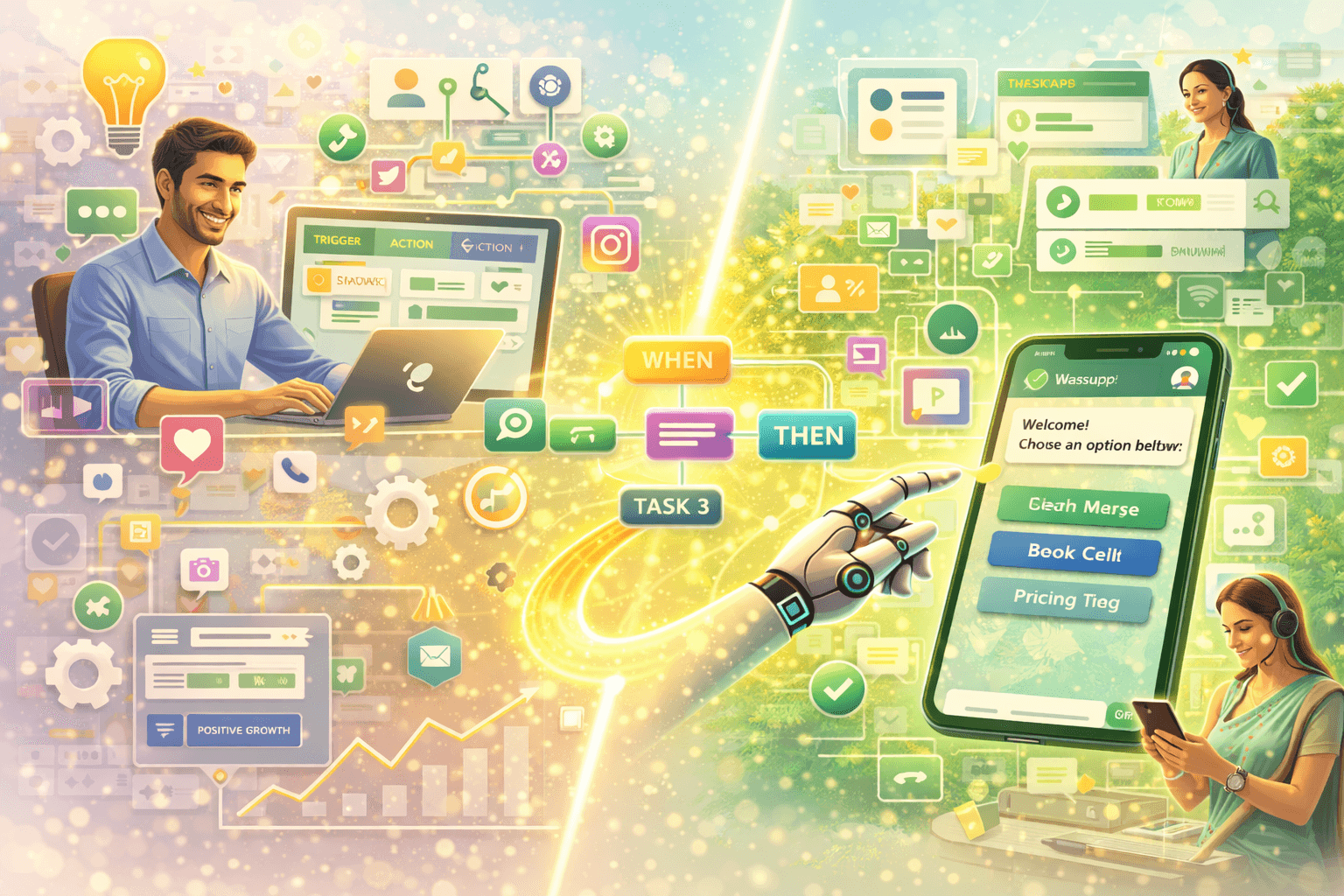
Now let's talk automation. WhatsApp automation is about creating smart, interactive conversations that happen automatically.
Instead of you manually replying to every message, you set up workflows that handle conversations based on how people respond.
How Automation Actually Works
You build conversation flows using if-then logic:
- If someone says "pricing," send price list
- If someone asks about delivery, ask for their location then provide delivery info
- If someone says "interested," collect their details and notify sales team
- If someone books appointment, send confirmation and reminder
The conversation adapts based on what people say and do.
What Automation Is Good For
Automation excels at:
- Instant responses to inquiries 24/7
- Qualifying leads through conversation
- Answering common questions
- Booking appointments
- Collecting customer information
- Following up at the right time
- Routing conversations to the right person
It's your always-on assistant that handles conversations intelligently.
What Automation Can't Do
Automation handles predictable conversations well. But it struggles with:
- Highly nuanced questions
- Emotional situations (upset customers)
- Complex negotiations
- Creative problem-solving
That's when humans need to jump in.
The Key Difference Between Broadcast and Automation
Here's the simplest way to understand the difference:
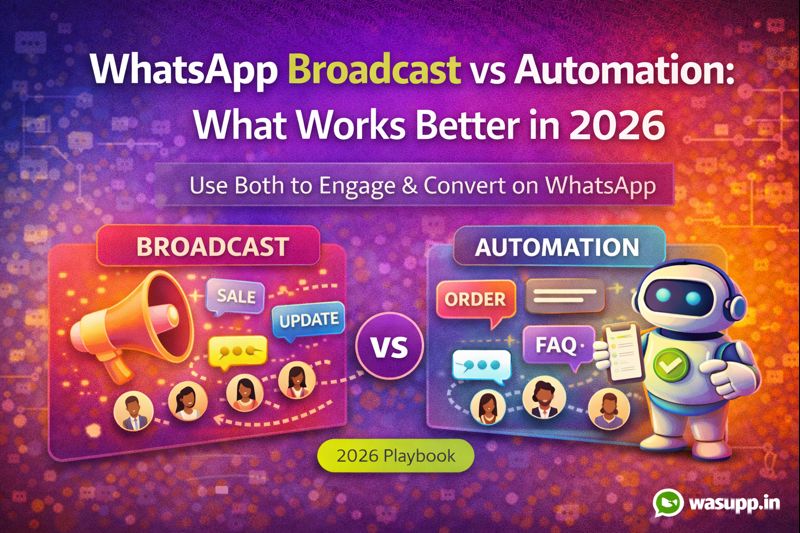
Broadcast = You talking to everyone Automation = Having conversations with individuals
Broadcast is for announcements. Automation is for engagement.
Broadcast pushes information out. Automation pulls people into conversations.
A Real-World Analogy
Imagine you run a clothing store.
Broadcast is like putting up a sign in your store window: "50% off sale this weekend!" Everyone walking by sees the same message.
Automation is like having a sales assistant who greets each customer, asks what they're looking for, shows them relevant products, answers questions, and helps them buy.
Both are useful. But they serve different purposes.
When to Use WhatsApp Broadcast
Broadcast is perfect for specific scenarios:
Announcing Limited-Time Offers
"Flash sale! 30% off everything for the next 6 hours."
This works because:
- Everyone needs to know at the same time
- It creates urgency
- The message is simple and clear
- No conversation needed
Sharing New Products or Services
"Just launched: our new summer collection. Check it out here [link]."
You're informing your entire customer base about something new. Broadcast does this efficiently.
Event Invitations
"We're hosting a workshop on Saturday. Want to join? Reply YES."
You're inviting everyone. Those interested will respond, starting a conversation that automation or humans can handle.
Important Business Updates
"We'll be closed next Monday for a public holiday. Back on Tuesday!"
Informational message everyone needs. Send once to all. Done.
Seasonal Greetings
"Happy Diwali from our team! As a thank you, here's a special discount code: DIWALI26"
Maintains relationship, provides value, sent to everyone at once.
When to Use WhatsApp Automation
Automation shines in completely different situations:
Handling Inquiries 24/7
Someone messages you at 2 AM: "Do you have this in size L?"
Automation replies instantly: "Hey! Yes, we have size L in stock. What color are you interested in?"
You're sleeping. The conversation is happening. Lead doesn't go cold.
Qualifying Leads Before Sales Team Gets Involved
Someone asks about your service. Automation asks:
- What's your budget?
- What's your timeline?
- What specific problem are you solving?
Based on answers, hot leads get routed to sales immediately. Others get nurtured.
Booking Appointments
"Want to book a consultation?"
Automation shows available times, lets them pick, confirms booking, sends reminder day before. No back-and-forth needed.
Post-Purchase Follow-Up
Someone buys from you. Automation:
- Sends order confirmation
- Provides shipping updates
- Asks for feedback after delivery
- Offers related products a week later
All timed perfectly without manual work.
Answering FAQs
Questions like "What payment methods do you accept?" or "Do you ship internationally?" get answered instantly by automation.
Your team isn't typing the same answers 50 times per week.
The Power of Using Both Together
Here's where it gets interesting. The smartest businesses aren't choosing between broadcast and automation. They're using both strategically.
The Winning Combination
Broadcast gets attention and drives action. Automation converts that attention into sales.
Let me show you how this works in practice.
Example 1: Product Launch
Step 1 - Broadcast: "New product alert! Our leather laptop bags just arrived. Limited stock. Interested? Reply BAGS."
Step 2 - Automation: When someone replies "BAGS," automation:
- Sends product photos and details
- Asks which color they prefer
- Collects their delivery location
- Sends payment link
- Confirms order and provides tracking
Broadcast created awareness. Automation handled the sale.
Example 2: Event Registration
Step 1 - Broadcast: "Free workshop on digital marketing this Saturday. Want to attend? Reply YES."
Step 2 - Automation: When someone replies "YES," automation:
- Confirms their registration
- Asks for their email
- Sends calendar invite
- Sends reminder day before
- Follows up after event asking for feedback
Broadcast filled seats. Automation managed the logistics.
Example 3: Flash Sale
Step 1 - Broadcast: "Flash sale starts NOW. 40% off for the next 4 hours. Shop here [link]."
Step 2 - Automation: When people click the link and land on WhatsApp:
- Helps them browse products
- Answers questions about sizing or specifications
- Processes orders
- Sends order confirmation
Broadcast drove traffic. Automation converted browsers into buyers.
Common Mistakes Businesses Make
Mistake 1: Only Using Broadcast
You send promotional broadcasts constantly. People start ignoring them or worse, blocking you.
Why? Because you're not providing value. You're just blasting sales messages.
Without automation to have actual conversations, you're just noise.
Mistake 2: Over-Automating Without Personal Touch
Everything is automated. Customers feel like they're talking to a robot. No human ever jumps in.
Automation should handle the routine stuff. Humans should handle relationship building and complex situations.
Mistake 3: Broadcasting Too Often
You send broadcasts daily. Your customers get annoyed. Open rates drop. People unsubscribe.
Broadcast should be used strategically, not constantly. Quality over quantity.
Mistake 4: Not Segmenting Broadcast Lists
You send the same message to everyone. But not everyone cares about everything.
Someone who bought baby products probably doesn't care about your new men's clothing line.
Segment your lists. Send relevant messages to relevant people.
Mistake 5: Setting Up Automation Once and Never Improving It
You build workflows, launch them, and forget about them. Meanwhile, they're giving wrong answers or creating friction.
Automation needs continuous monitoring and improvement based on real customer interactions.
How to Combine Broadcast and Automation Effectively
Here's a framework that actually works:
Use Broadcast For:
- Major announcements
- Time-sensitive offers
- Event invitations
- Seasonal campaigns
- Re-engagement campaigns
Keep broadcasts to 1-2 per week maximum. Make them valuable.
Use Automation For:
- Every inquiry that comes in
- Common questions
- Lead qualification
- Appointment booking
- Order processing
- Post-purchase follow-up
Automation runs 24/7 in the background handling individual conversations.
The Customer Journey Using Both
Stage 1 - Awareness: Customer sees your Instagram post and messages you
Automation: Responds instantly, answers initial questions, collects contact info
Stage 2 - Consideration: They're interested but not ready to buy
Automation: Nurtures them over days/weeks with helpful info
Stage 3 - Decision: They're ready
Automation: Processes the sale smoothly
Stage 4 - Post-Purchase:
Automation: Sends order updates, delivery confirmation, feedback request
Stage 5 - Retention:
Broadcast: Monthly updates about new products, exclusive offers for past customers
Automation: Handles any support questions or reorders
See how they work together? Automation drives the individual journey. Broadcast keeps everyone engaged at a broader level.
Tools and Setup for Both
Let's get practical about implementation.
For Basic Broadcast
The free WhatsApp Business app lets you:
- Create broadcast lists of up to 256 contacts
- Send text, images, videos, documents
- See who read your message
Good for getting started, but limited.
For Serious Broadcast
WhatsApp Business API (through providers like Wasupp
Share this post