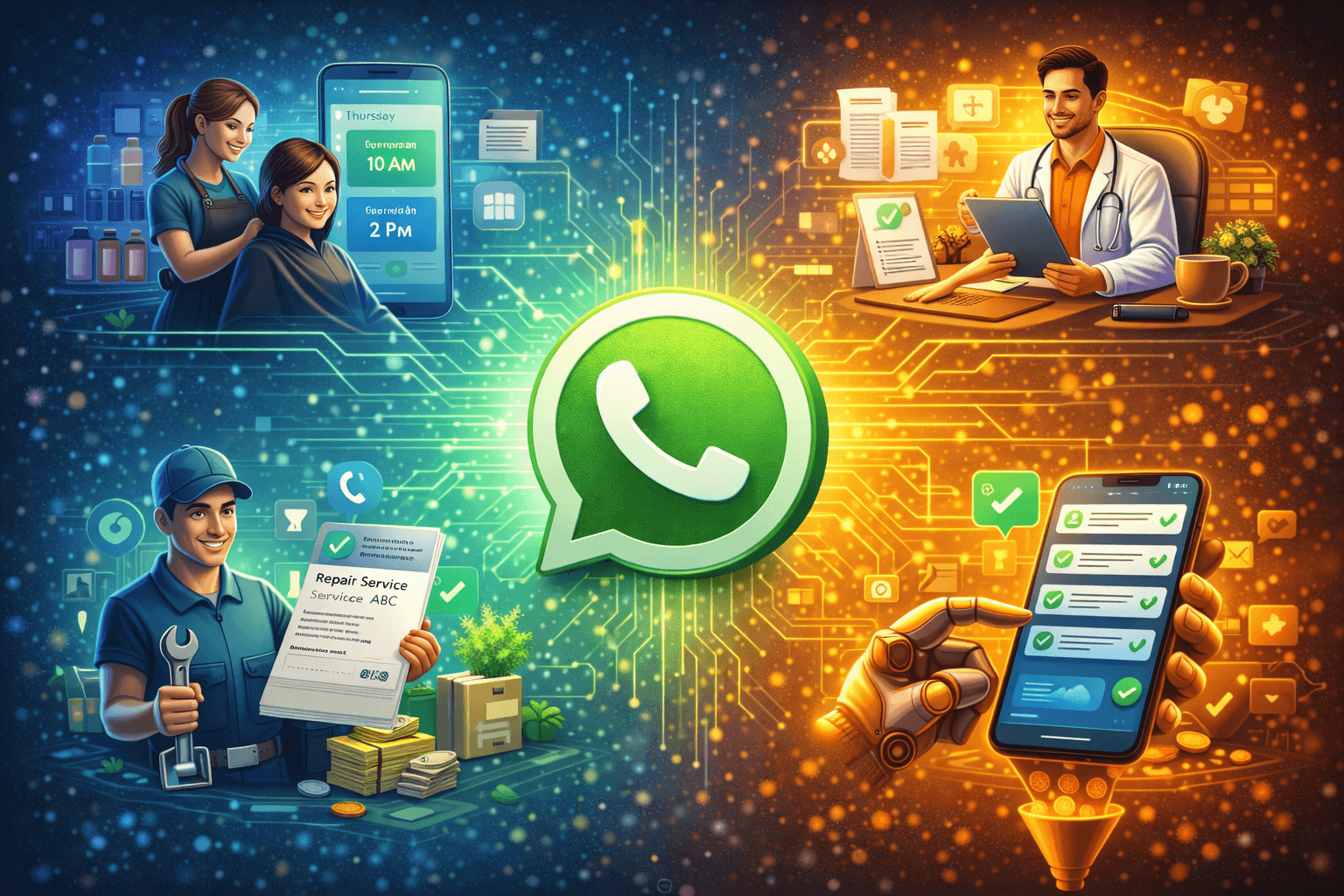
You run a service business. Salon, clinic, consulting firm, repair service, coaching, legal practice, whatever it is.
Your day is packed with actual service delivery. Cutting hair, seeing patients, advising clients, fixing things, teaching people.
But you're also spending 3-4 hours daily on WhatsApp. Answering the same questions. Booking appointments. Sending reminders. Chasing payments. Following up.
By the end of the day, you're exhausted. Not from doing your actual work, but from managing conversations around your work.
WhatsApp automation changes this. It handles the repetitive communication so you can focus on actually delivering the service you're good at.
Let me show you exactly how service businesses are using automation to work less while serving more clients.
Why Service Businesses Need WhatsApp Automation More Than Anyone Else
Service businesses are different from product businesses. Your inventory is your time. You can't scale by making more units. You scale by using time more efficiently.
The Service Business Communication Problem
Here's what a typical day looks like without automation:
8 AM: Check WhatsApp. 15 messages from yesterday evening you didn't see. 9 AM: Client asks to reschedule. You check calendar, suggest new time. 9:30 AM: Someone asks "What are your prices?" You type it out. Again. 10 AM: Client asks "What do I need to bring?" You send the same list you've sent 50 times. 11 AM: Someone wants to book appointment. Back-and-forth finding a time that works. 12 PM: Client asks "Where are you located?" You send address. Again. 1 PM: Reminder yourself to send appointment confirmations for tomorrow. 2 PM: Client cancels last minute. Now you have an empty slot you could have filled.
And that's just managing existing clients. New inquiries get similar treatment.
You're not delivering service during this time. You're just managing logistics.
The Scaling Ceiling
Right now, you might handle 20-30 clients per week. You know you could handle 40-50 if you just had more hours in the day.
But you can't add hours. You're already maxed out.
The bottleneck isn't your service delivery capacity. It's the communication overhead around each client.
Automation removes that bottleneck.
The Complete Service Business Automation Stack
Let me walk you through every automation a service business needs, from inquiry to completed service.
1. Instant Inquiry Response
The Problem
Someone messages asking about your service. You're with a client. You see the message 2 hours later. They've already booked with someone who responded in 5 minutes.
The Solution
Automated instant response:
"Hi [Name]! Thanks for asking about [service]. I'd love to help you. Quick question: what are you looking for specifically? [Option A] [Option B] [Option C]?"
They get immediate acknowledgment. You're still with your client. Nothing is lost.
What This Achieves
- Zero missed inquiries
- Professional first impression
- Qualification starts automatically
- You maintain focus on current client
2. Automated Service Information
The Problem
"What are your prices?" "What services do you offer?" "What's included?" "How long does it take?"
You answer these questions 10 times per day. Every time, you have to type it out or copy-paste.
The Solution
Automation detects keywords and sends relevant information:
Keyword: "price" or "cost" "Here's our pricing: [Service A] - [Price], [Service B] - [Price]. Which one interests you?"
Keyword: "services" or "what do you do" "We offer: [List of services with brief descriptions]. Which would help you most?"
Keyword: "location" or "address" "We're located at [Address]. Here's the map: [Google Maps link]. Easy to reach?"
What This Achieves
- 80% of common questions answered instantly
- Consistent information every time
- Your team saves 2-3 hours daily
3. Appointment Booking Automation
The Problem
"When are you available?" "Does Tuesday work?" "Morning or evening?" "How about 3 PM?" "Actually, can we do 4 PM instead?"
This back-and-forth takes 10-15 messages just to book one appointment.
The Solution
Automated booking integrated with your calendar:
"Great! Let's get you scheduled. Here are my available slots: [Lists actual available times from your calendar]"
Customer picks a time. Automation:
- Blocks that slot in your calendar
- Sends confirmation
- Asks for any preparation needed
- Adds to your appointment list
All in 2 minutes. Zero back-and-forth.
What This Achieves
- Appointments book in 1-2 minutes instead of 10-15
- No double-bookings
- Professional scheduling experience
- Your calendar stays accurate automatically
4. Pre-Appointment Preparation
The Problem
Client arrives for appointment. You need to collect information. Wastes first 10-15 minutes of appointment time.
Or worse, client arrives unprepared. Forgot documents. Didn't know they needed to do something beforehand. Appointment has to be rescheduled.
The Solution
After booking, automation sends preparation information:
Day of booking: "Appointment confirmed for [Date & Time]. Quick prep: [what to bring/do before appointment]. Save this message for reference!"
Day before: "Reminder: Your appointment is tomorrow at [Time]. Don't forget to [preparation items]. See you then!"
What This Achieves
- Clients arrive prepared
- Appointments start on time
- Better service quality
- Fewer rescheduling requests
5. Appointment Reminders
The Problem
You book appointments. 20-30% don't show up. They forgot. They got busy. No reminder means empty slots you could have filled.
No-shows kill service businesses. That's time you'll never get back.
The Solution
Automated reminder sequence:
24 hours before: "Hi [Name]! Reminder: Your [service] appointment is tomorrow at [Time]. Still good? Reply YES to confirm or RESCHEDULE if you need to change."
2 hours before: "Your appointment is in 2 hours at [Time]. See you soon! Our address: [Address]"
If they reschedule, automation offers alternative times immediately.
What This Achieves
- No-show rate drops from 20-30% to 5-10%
- If cancellation happens, you have time to fill the slot
- Clients appreciate the reminders
- Your schedule stays full
6. Post-Service Follow-Up
The Problem
Service complete. Client leaves. You never follow up. They have a question days later but don't want to bother you. Issue goes unresolved. They don't come back.
Or they loved your service but you never asked for a review. Potential reviews lost.
The Solution
Automated post-service sequence:
Day 1 (right after service): "Thanks for coming in today! How did everything go? Any questions?"
Day 3: "Hey [Name], just checking in. Everything still good with [service]? Let me know if anything comes up."
Week 1: "If you're happy with [service], would you mind leaving a quick review? It really helps us: [Review link]. Takes just 1 minute!"
What This Achieves
- Catch problems early
- Get more reviews (social proof for new clients)
- Show you care (increases loyalty)
- More repeat bookings
7. Payment Reminders
The Problem
You provided the service. Sent invoice. Client said they'd pay. Week passes. Haven't paid. You feel awkward chasing payment.
This happens repeatedly. Your cash flow suffers.
The Solution
Automated payment reminders:
Day invoice sent: "Invoice sent! Payment due by [Date]. You can pay here: [Payment link]. Let me know if you need any clarification."
Day before due date: "Friendly reminder: Payment for [Service] is due tomorrow. Pay here: [Link]. Thanks!"
Day after due date: "Payment was due yesterday. Could you please settle this today? If there's an issue, let me know and we'll work it out."
No awkwardness. Professional. Automated.
What This Achieves
- Get paid faster
- Less awkward conversations
- Better cash flow
- Clear payment expectations
8. Re-Engagement and Repeat Business
The Problem
Client came once. Loved your service. But life got busy. They forgot about you. When they need the service again, they go to whoever they see first.
You lost a happy customer just because you didn't stay in touch.
The Solution
Automated re-engagement:
For services needing regular maintenance (salon, dental, car service):
30 days after last visit: "Hi [Name]! It's been a month since your last [service]. Ready to book your next appointment? Here are my available times: [Link]"
For one-time services:
3 months after service: "Hey [Name]! Hope things are going well. If you ever need [service] again or know someone who does, I'm here to help!"
What This Achieves
- 30-40% increase in repeat business
- Clients don't have to remember to rebook
- You stay top-of-mind
- More referrals from happy clients
Real Example: Dental Clinic Doubles Patient Load Without Hiring
Dr. Sharma runs a dental clinic in Pune. Two dentists, one receptionist. About 25 patients per day.
Before WhatsApp Automation
Receptionist's day:
- 6 hours on phone and WhatsApp handling appointment bookings, rescheduling, inquiries
- 2 hours on actual reception duties (greeting patients, managing walk-ins, billing)
Problems:
- Can only book 25 appointments per day (receptionist capacity maxed)
- 25-30% no-show rate (no systematic reminders)
- New inquiries during lunch or after hours get missed
- No follow-up with past patients
- Constantly asking patients to repeat themselves (no record-keeping)
Result: Operating at capacity but leaving money on the table.
After Implementing WhatsApp Automation
What they automated:
- Instant response to inquiries (any time of day)
- Automated booking with calendar integration
- Pre-appointment instructions (important for dental)
- 24-hour and 2-hour appointment reminders
- Post-appointment care instructions
- 6-month check-up reminders
- Review requests for happy patients
Receptionist's new day:
- 2 hours managing automation exceptions and complex cases
- 4 hours on reception duties
- 2 hours on patient relationship management (personal touches that matter)
Results after 3 months:
Appointment capacity: 45 patients per day (almost doubled) No-show rate: Down to 8% New patient inquiries: Up 40% (because instant response captures more leads) Repeat visit rate: Up 35% (automated reminders work) Reviews: From 2-3 per month to 15-20 per month Revenue: Up 65% with same team
Same two dentists. Same one receptionist. Better systems.
Service-Specific Automation Examples
Different service businesses need slightly different automations. Here's what works for each type.
Salons and Spas
Unique automations:
- Service menu with photos when asked
- Beautician/stylist availability tracking
- Product recommendation after service
- Seasonal service promotions
- Birthday month special offers
Example: "Your last visit was 6 weeks ago. Time for a touch-up? Book with your favorite stylist [Name] here: [Link]"
Medical and Dental Clinics
Unique automations:
- Symptom pre-screening (collect info before appointment)
- Insurance verification
- Pre-appointment forms and medical history
- Prescription reminders
- Regular check-up reminders
Example: "Due for your annual check-up. High risk of [condition] if skipped. Book here: [Link]"
Fitness and Personal Training
Unique automations:
- Trial class booking
- Class schedule and availability
- Membership renewal reminders
- Progress check-ins
- Workout tips and motivation
<